










How Work runs a coding job
From a sentence in the Work tab to a tested change on its own branch, and what happens in between.

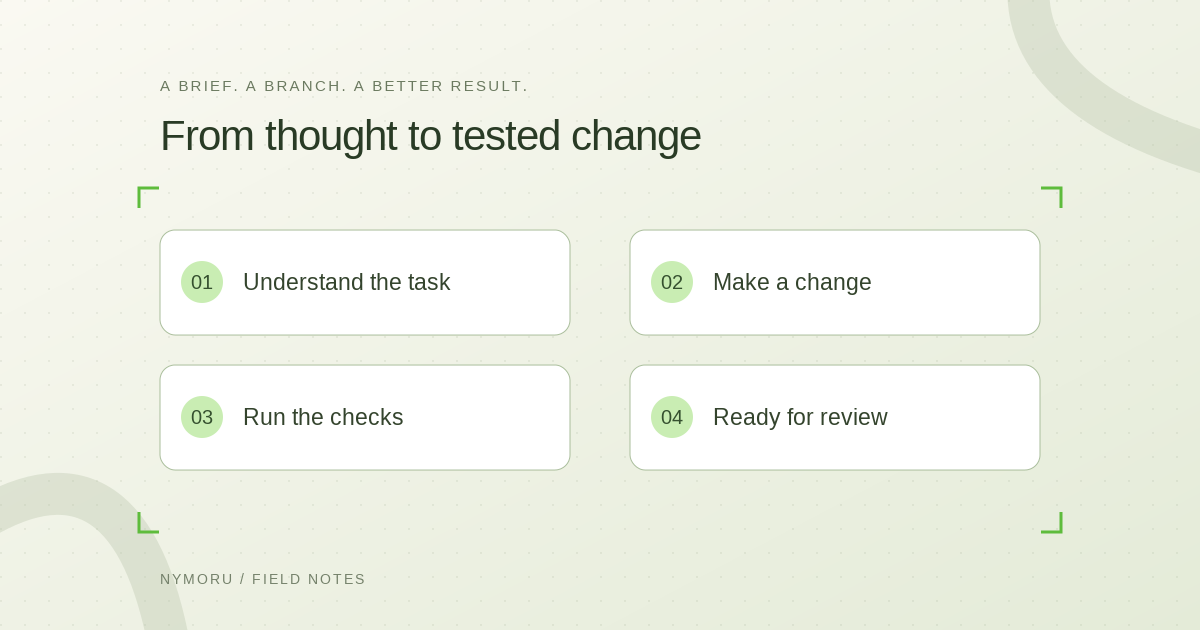
Work is the coding side of Nymoru. It takes a task, works on it without someone watching, and comes back with a change you can review. Here is what happens on the way.
1. You hand it a task
Open the Work tab and choose New task. Say what you want done, upload a project or name a repository, and choose where it runs: your computer for quick changes in a repository, or a big machine for heavy or long work in the background. Your Teammate can also hand coding work to Work from any chat.
2. It works in its own box
Each job runs in its own isolated sandbox. It plans the work, shows the steps and works through them: it reads files, edits them and runs commands. You can follow it live, or close your laptop.
3. It checks its own work
Before it says done, a job runs the tests and checks it can and tells you what passed. A finished job shows what it did, the files it changed with the exact diff, the branch it is on and how to undo it.
4. It asks only at the gates
Work carries on by itself. It stops only for the hard gates, and a Needs you section says what it needs and why. It never merges and never deploys on its own.
What it costs
Jobs are charged in credits by what they actually used, and your credits are checked before a job starts.
Coming soon: handing work over from a GitHub issue (a label or an @nymoru comment) and getting a pull request back. It is in testing; ask us if you want to try it early.