











Voice, rebuilt as a command bar
We replaced the full-screen voice call with a small bar. Tap once, say what you need, keep working.

Nymoru team
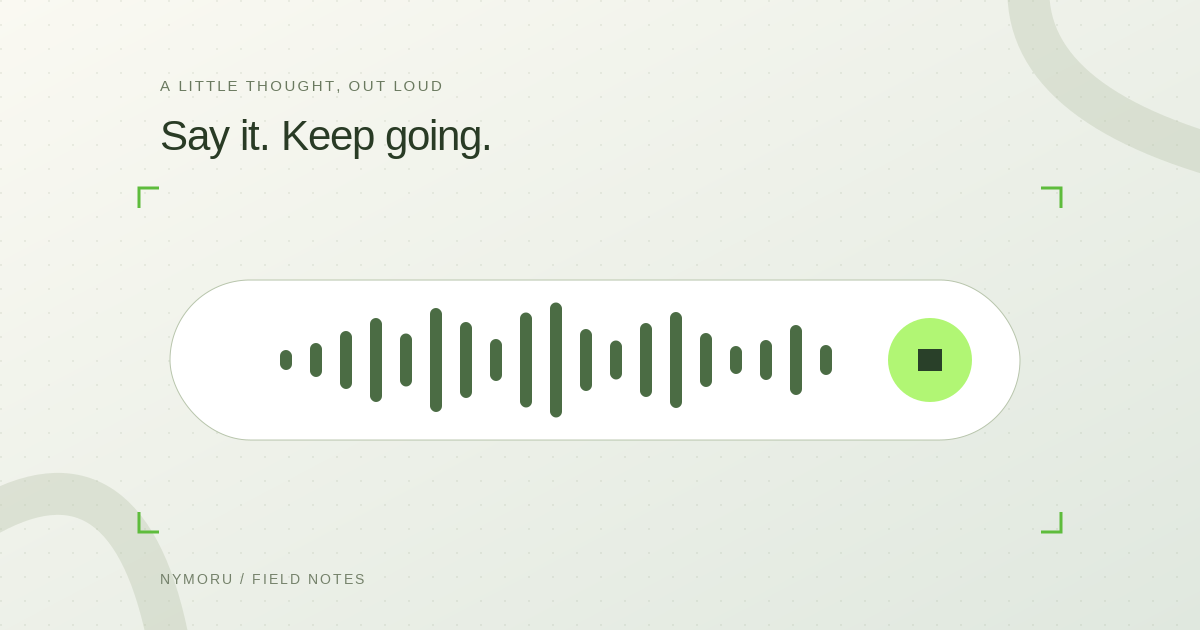
Most of the time you do not want a phone call with your assistant. You want to say one thing and get it done. So voice in Nymoru is now a small command bar instead of a call.
How it works
- Tap the voice button and talk. Switch between hands-free and hold to talk; Esc closes the bar.
- The bar shows the mascot of the bot you are talking to, what it is doing, and live captions of both sides.
- It answers Thai in Thai and English in English.
- It can do anything chat can: check your calendar, draft the note, ask another bot.
Still in control
Moving money, deleting for good and granting access still need a tap on screen. A voice alone is never enough.
What we keep
The transcript stays in the chat with that bot. The audio is not stored.
Explore the idea in practiceOpen the quickstart ↗